

The September release is out. Five updates across the platform — from how a case greets you to how a date reads on your screen. Here's the short version of each. The full descriptions live in News in Next.
Case cover pages for instant overview
When you open an admin task in Next Casework, the first thing you see is no longer a case document — it's a case cover page. Process and progress at the top, deadlines highlighted, a case summary, everyone involved, and every document in the case. One glance, and you know where things stand.
Capture video, audio, and photos with Next Go
Record a video, an audio note, or a photo — directly into Next. Click, record, add. Seconds later, it's safe in your eCMS with an automatic transcription that makes it searchable. Included in your Next Go setup, alongside the scanning and file options you already have.
Management workspaces for Next Guidelines
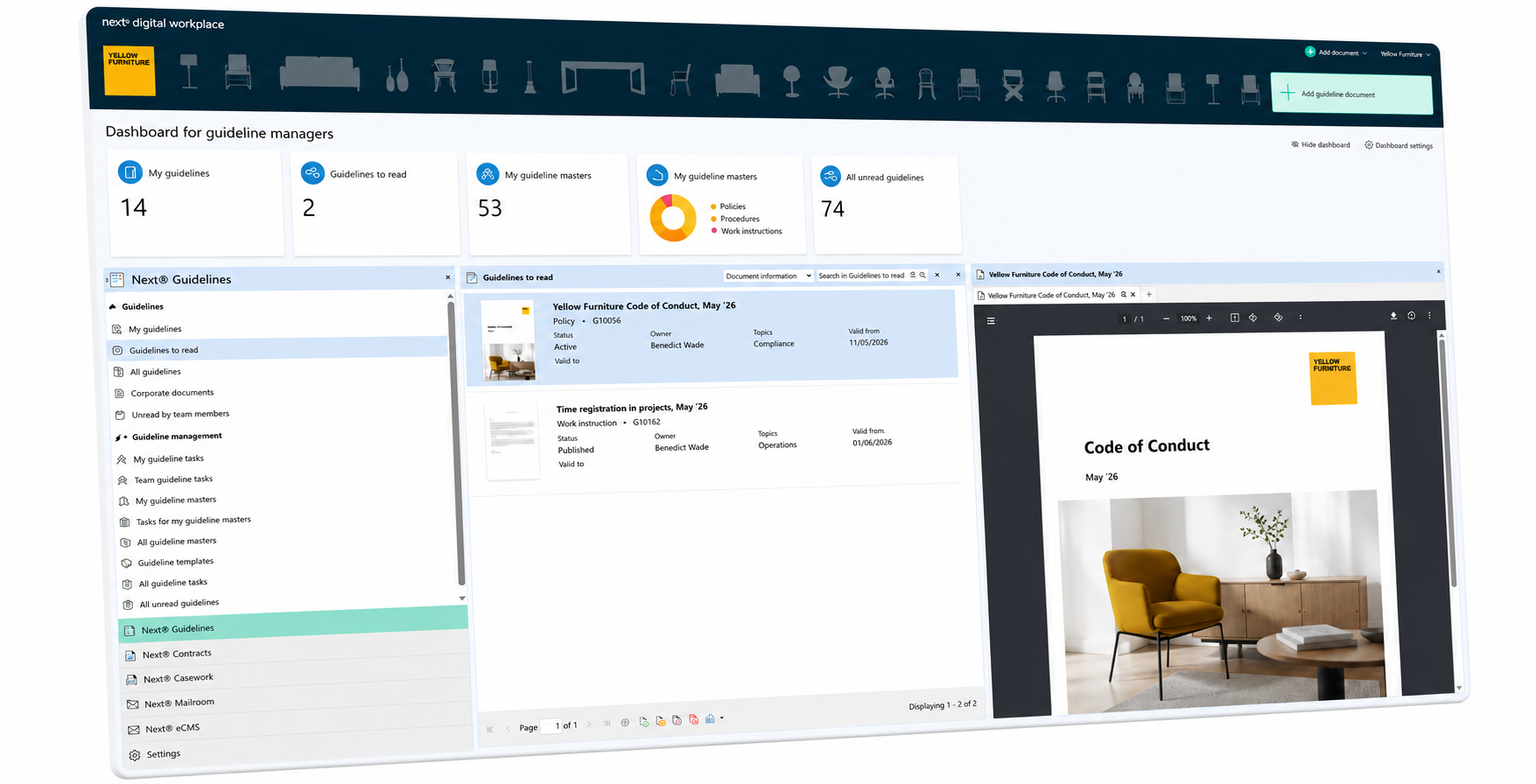
Three roles, three views. Guideline managers get the full publication process and read-status follow-up in one workspace. Everyday users get one-click access to the guidelines relevant to their job. And team leads can now check who still hasn't read what — on demand, not just in the weekly email.
Improved setting of language and formats for dates and numbers
If you're used to 12.01.26 being a date in January, US formatting is a confusing place to be. Next now separates the two: a unified corporate language, with dates and numbers formatted the way each user actually reads them. Set automatically via Entra ID — or, for selected users, chosen by the users themselves.
Shared inboxes in Next Connector for New Outlook
The faster business emails land in a proper eCMS, the better the compliance. The Next Connector for New Outlook now supports adding emails from shared inboxes — a step on the way for teams not yet ready for full mail capture.