


When organizations invest in the Salesforce platform for Sales, Customer Support, or Field Services, they do so to streamline and digitize their work processes. They do it to optimize their information management and ultimately become a lean-mean-executing-machine.
The Salesforce success
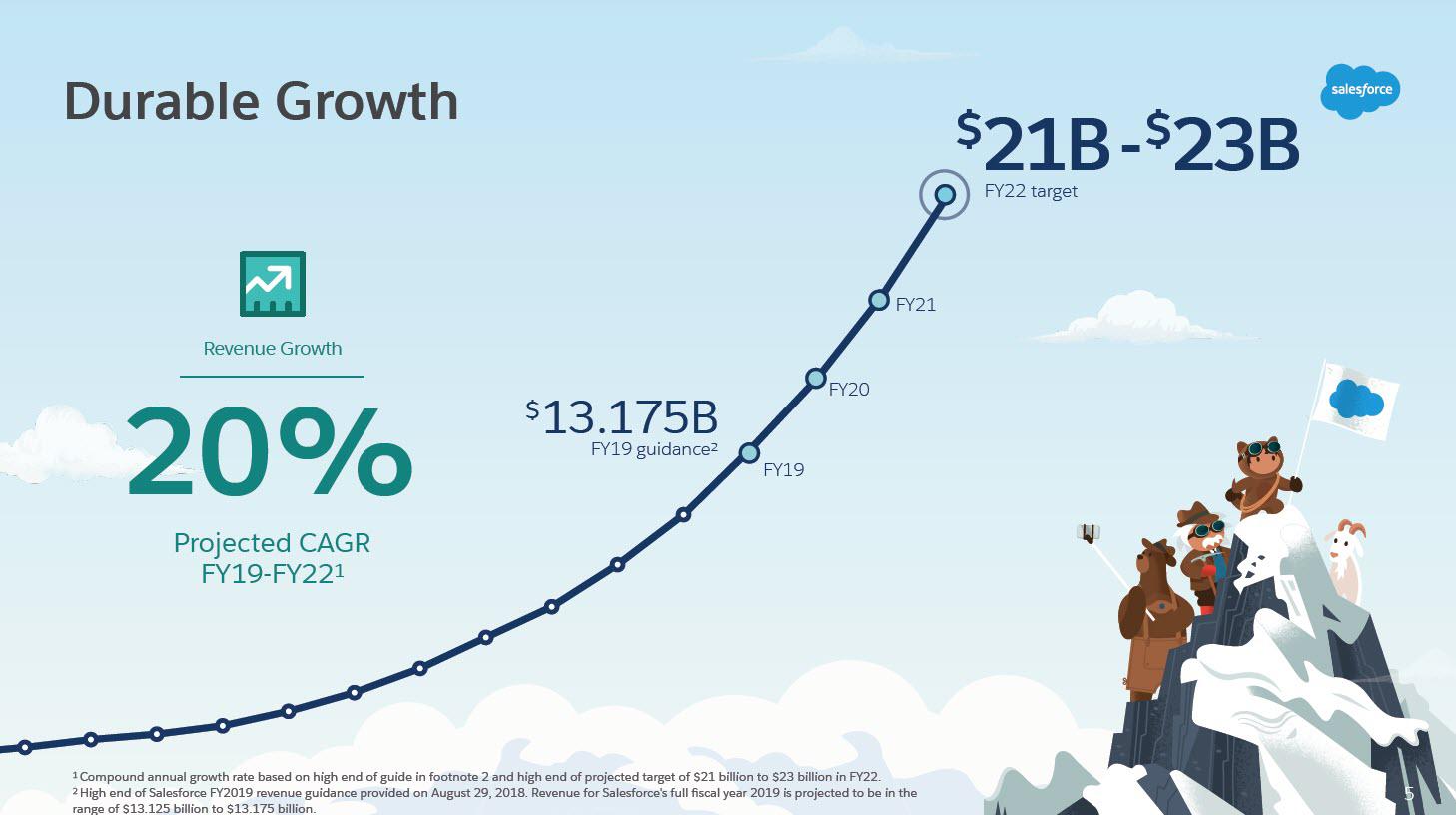
Salesforce allows you to bring everyone on the same page regardless of time and place. This is great for businesses because the best results are achieved when your entire team can work systematically with shared and up-to-date information. As a result, it is no surprise that Salesforce is the fastest growing provider of business systems in the world.
The Salesforce information hub
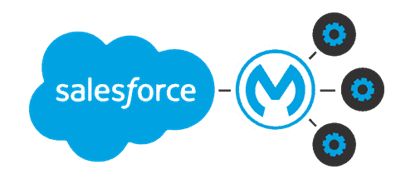
A derived goal is often to turn Salesforce into an information hub – a management information system. For this to happen, and for data to flow seamlessly into Salesforce, it needs integration with all the other IT systems you have in place. There is a reason why Salesforce paid 6,5 billon USD for Mulesoft back in 2018. Seamless data integration is paramount.
The Salesforce document management
Not all business information is stored as structured data in various IT systems. A huge proportion of the business information you hold on your customers, projects, and products comes in the form of a document.
A paper document, a confirmation email, a digitally signed contract, a calculation in Excel, a price list in PDF, and construction drawing in Auto CAD to name a few. Salesforce does a great job at letting you create some of these documents, and also lets you capture email dialog.
However, if you need an up-to-date and coherent overview of all the business documents associated with your customers, projects, and products, you need more. You need an eCMS – an enterprise content management system.
The eCMS for Salesforce futureproofs your documents
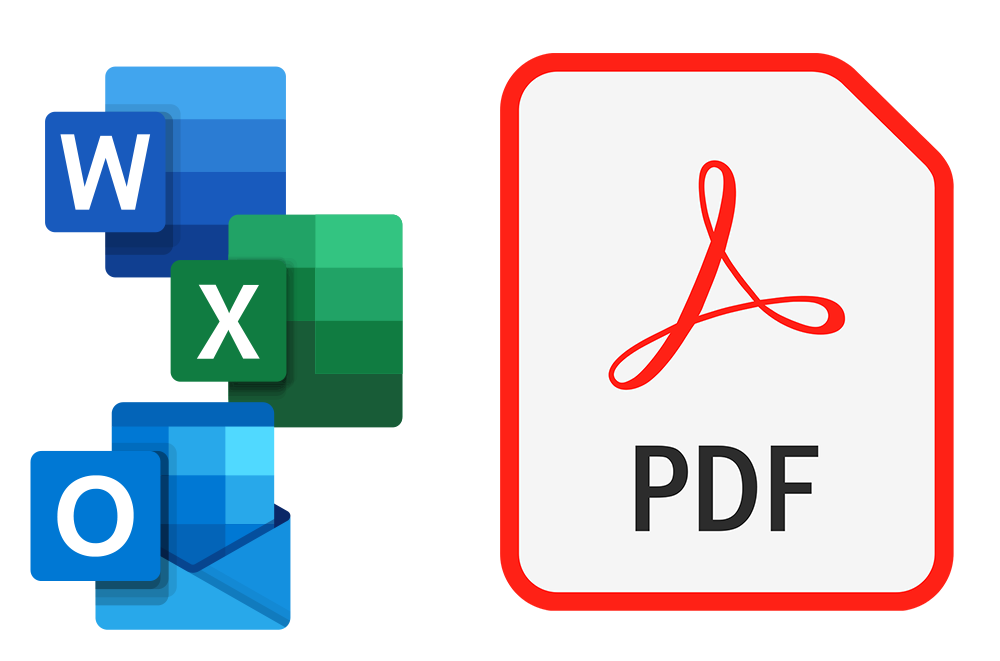
An eCMS will not only help you digitize the paper documents. It will also conserve your electronic documents. All emails and documents – e.g. from Excel and Word – will automatically be conserved in a future-proof PDF version. And when it is time to let it go, customizable retention policies help you avoid GDPR challenges with old and outdated documents.
The rock-solid document overview in your Salesforce
If you opt for our eCMS – Next Enterprise Archive – you get an easy to use and fully configurable Lightning component.
Add this component to any business object in your Salesforce, where it makes sense to add and access documents – customer, account, product, project – you name it.
Immediately, users have seamless access to all the relevant documents, from exactly where they need them. Not only to the documents created in Salesforce, but to everything you have. But how about data protection, you might wonder? Next comes with a bank-grade security and access control. This is just one way of which you can optimize your use of Salesforce.
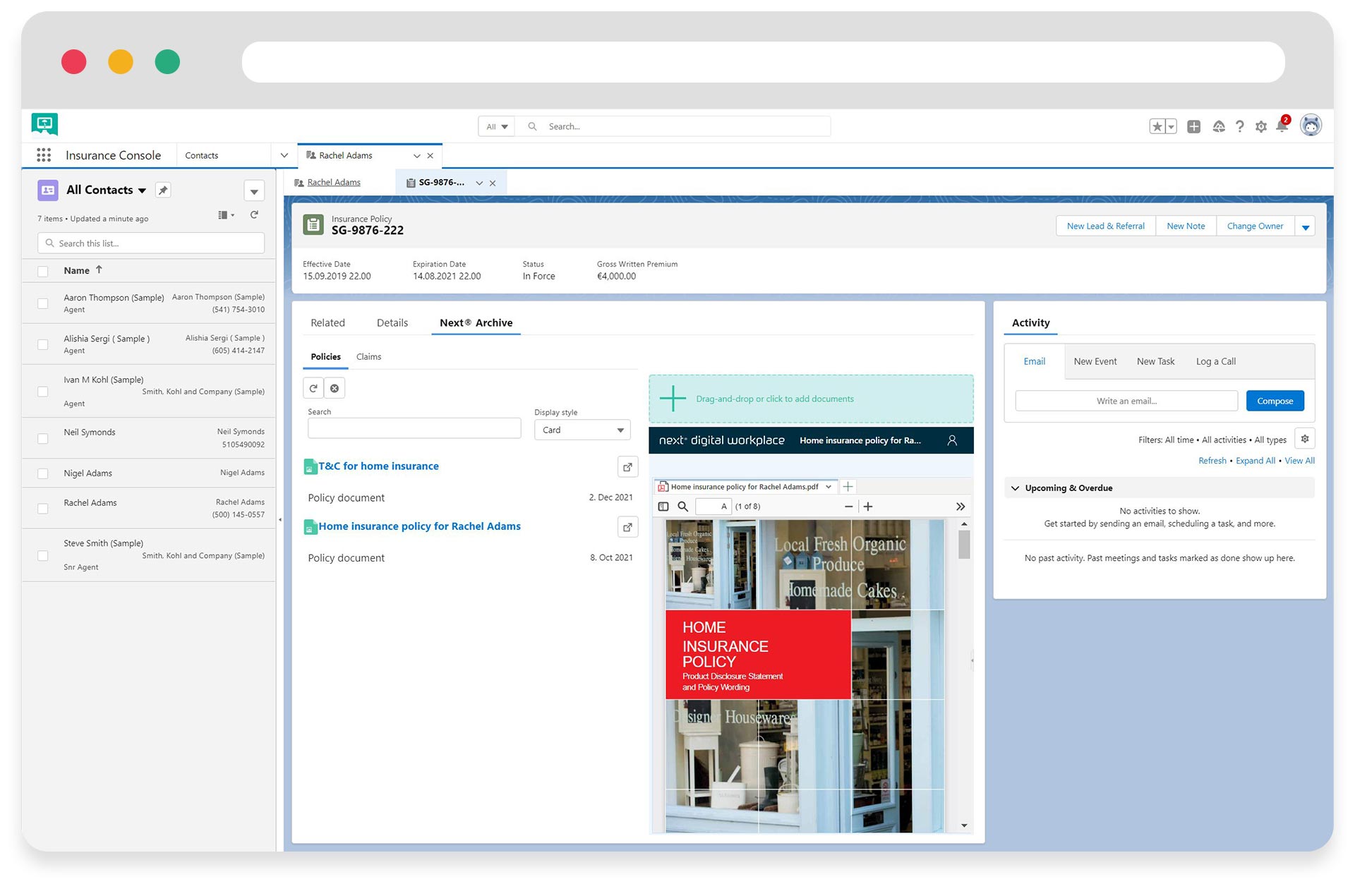
This is how you create rock-solid document overview in salesforce.
Awesome, right?